Overview
Presenters: Imra Asif, Christina Sullivan, Mehnaz Barsha
Monday April 14th, 2025
2:00pm - 3:00pm



Web cookies (also called HTTP cookies, browser cookies, or simply cookies) are small pieces of data that websites store on your device (computer, phone, etc.) through your web browser. They are used to remember information about you and your interactions with the site.
Session Management:
Keeping you logged in
Remembering items in a shopping cart
Saving language or theme preferences
Personalization:
Tailoring content or ads based on your previous activity
Tracking & Analytics:
Monitoring browsing behavior for analytics or marketing purposes
Session Cookies:
Temporary; deleted when you close your browser
Used for things like keeping you logged in during a single session
Persistent Cookies:
Stored on your device until they expire or are manually deleted
Used for remembering login credentials, settings, etc.
First-Party Cookies:
Set by the website you're visiting directly
Third-Party Cookies:
Set by other domains (usually advertisers) embedded in the website
Commonly used for tracking across multiple sites
Authentication cookies are a special type of web cookie used to identify and verify a user after they log in to a website or web application.
Once you log in to a site, the server creates an authentication cookie and sends it to your browser. This cookie:
Proves to the website that you're logged in
Prevents you from having to log in again on every page you visit
Can persist across sessions if you select "Remember me"
Typically, it contains:
A unique session ID (not your actual password)
Optional metadata (e.g., expiration time, security flags)
Analytics cookies are cookies used to collect data about how visitors interact with a website. Their primary purpose is to help website owners understand and improve user experience by analyzing things like:
How users navigate the site
Which pages are most/least visited
How long users stay on each page
What device, browser, or location the user is from
Some examples of data analytics cookies may collect:
Page views and time spent on pages
Click paths (how users move from page to page)
Bounce rate (users who leave without interacting)
User demographics (location, language, device)
Referring websites (how users arrived at the site)
Here’s how you can disable cookies in common browsers:
Open Chrome and click the three vertical dots in the top-right corner.
Go to Settings > Privacy and security > Cookies and other site data.
Choose your preferred option:
Block all cookies (not recommended, can break most websites).
Block third-party cookies (can block ads and tracking cookies).
Open Firefox and click the three horizontal lines in the top-right corner.
Go to Settings > Privacy & Security.
Under the Enhanced Tracking Protection section, choose Strict to block most cookies or Custom to manually choose which cookies to block.
Open Safari and click Safari in the top-left corner of the screen.
Go to Preferences > Privacy.
Check Block all cookies to stop all cookies, or select options to block third-party cookies.
Open Edge and click the three horizontal dots in the top-right corner.
Go to Settings > Privacy, search, and services > Cookies and site permissions.
Select your cookie settings from there, including blocking all cookies or blocking third-party cookies.
For Safari on iOS: Go to Settings > Safari > Privacy & Security > Block All Cookies.
For Chrome on Android: Open the app, tap the three dots, go to Settings > Privacy and security > Cookies.
Disabling cookies can make your online experience more difficult. Some websites may not load properly, or you may be logged out frequently. Also, certain features may not work as expected.
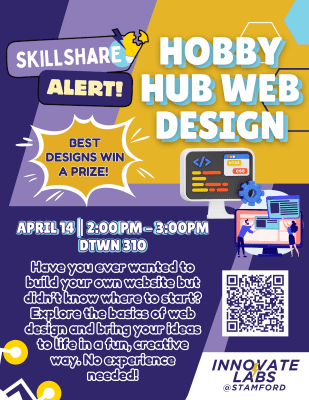
Learn how to create your own website using HTML!
Topics Included: Programming, Web Design
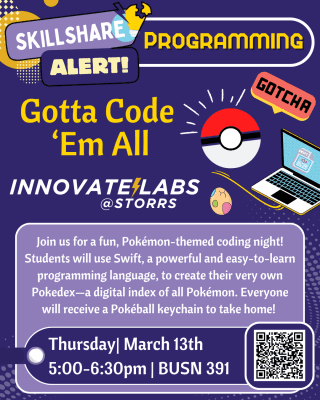


Learn how to build your own Pokédex by using Swift!
Topics Included: Programming
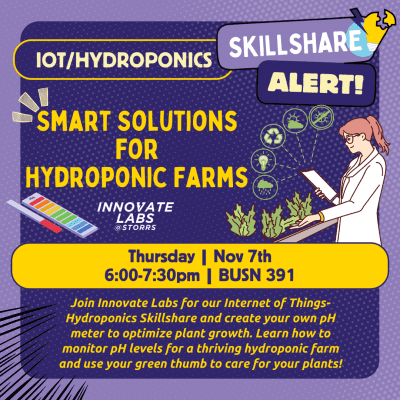


Learn how to create your on pH meter!
Topics Included: Circuitry, IoT, Programming, Eco Innovate
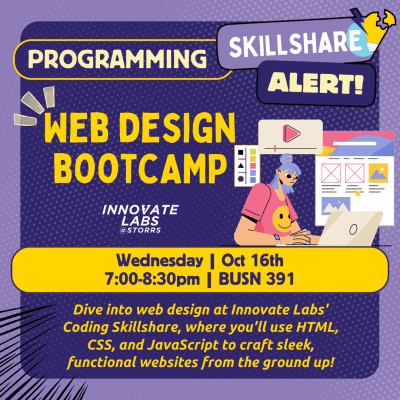

Come and learn to build your own website using HTML, CSS, JavaScript, and web design skills.
Topics Included: Programming, Web Design
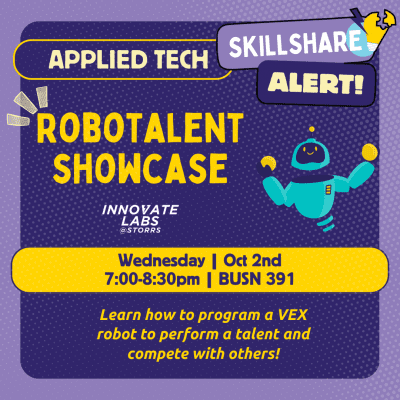


Come and learn how to program a VEX Robot to perform a talent!
Topics Included: Robotics, Programming
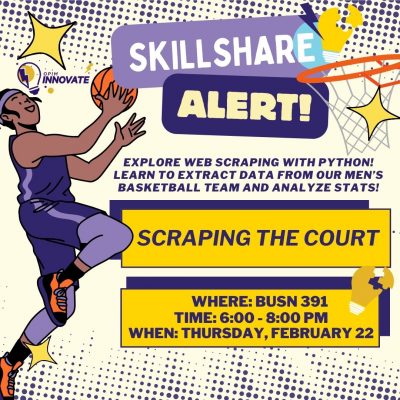


Learn to use code to extract and format data from the UConn Men's Basketball team website to grow your resume skills!
Topics Include: Programming

Presenter: Brennan Giglio
Friday December 2nd, 2022
1:00 - 2:00pm
Students were put into teams to build a VEX IQ robot and play a game of robot soccer. Students learned about active and passive manipulators as well as had the chance to experiment with simple robotics. Participants learned how to program their robots to drive around and compete in head to head soccer matches.
Topics include: Applied Tech, Programming

Presenter: Yasin Balogou
Thursday November 3rd, 2022 in BUSN 391
4:30 - 5:30pm
Students received a crash course in cryptography, learning how to implement famous cryptosystems, asymmetric cryptography and its role in blockchain wallets, and hashing.
Topics include: Blockchain, Cybersecurity, Programming

Presenter: Mariah Donahue
Wednesday October 12th, 2022 in BUSN 391
3:30 - 4:30pm
Students learned Python fundamentals to develop their own basic game through an interactive programming tutorial. Attendees also acquired basic programming skills involving collaboration and further application of Python fundamentals.
Topics include: Programming

Presenter: Muneeb Syed
Monday October 3rd, 2022 in BUSN 391
1:00 - 2:00pm
Students received an introduction to circuitry and data processing using C++ and an Arduino microcontroller. Hop from station to station to practice programming distance sensors, heart rate sensors, LCDs, bluetooth and many more!
Topics include: Circuitry, Programming